Course description
Been handed a project and not sure where to start? This course shows you, step by step, how to plan, run and finish a project well, whether it's a shop opening, an office move, a new website or a community event. You'll learn the tools project managers really use, in plain English, and practise every one on a project of your own.
It's a full course, not a quick list of tips. There are 10 sections and 57 step-by-step written lessons, and every lesson ends with a practical task. Every section has a practice pack of templates to download, and the course follows one fictional project from start to finish: a small plant shop opening its second branch.
What you'll learn
- Starting well: business cases, SMART objectives, scope, stakeholders and a one-page project brief.
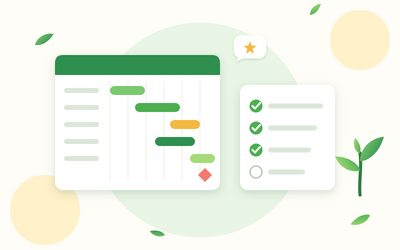
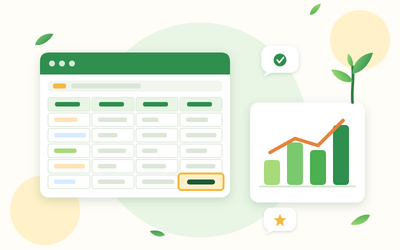
- Planning: work breakdown structures, estimates, dependencies, milestones and a Gantt chart in Excel or Google Sheets.
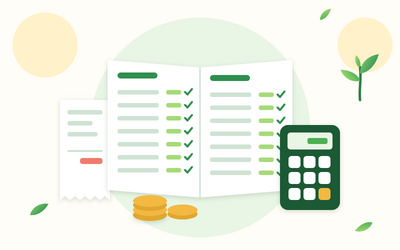
- Money: building a project budget, tracking spend and working with suppliers.
- Risks and issues: a simple risk matrix, risk responses and a RAID log you'll actually keep up to date.
- People: RACI charts, communication plans, meetings, status reports and handling conflict.
- Staying in control: change control, quality checks, scope creep and getting a late project back on track.
- Agile and Kanban: Scrum basics, Kanban boards, user stories and when to use them.
- Closing: handover, lessons learned and benefits.
Two final projects
You'll plan a real project of your own from brief to risk log using the project toolkit, and carry out a health check on a project that's going off track, then write the status report and recovery plan.
Who this course is for
- Anyone who has been asked to run a project at work with no training.
- Team leaders, office and admin staff who coordinate changes and events.
- Small business owners planning a launch, move or new service.
- People thinking about a career in project management who want a solid start.
How the course works
Read each lesson, then do the Try it task on your own project or the practice scenario. All you need is a spreadsheet app such as Excel or Google Sheets. You keep lifetime access, so you can come back whenever you start a new project.