Course description
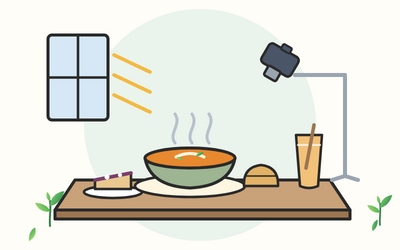
A bowl of soup that looks as warm as it tastes, a slice of cake with every layer showing, a cup of coffee glowing by the window: good food photos make people want to eat. This course teaches you the light, the styling and the editing to take appetising, truthful food photos for a menu, a blog or social posts, with a phone or a camera, starting at your own kitchen table.
It's written for food bloggers, cafes, bakers, small food businesses and home cooks. You start with the kit you need and cheap alternatives to most of it, then learn exposure for food, natural window light and one simple artificial light, angles and composition, food styling with props, colour and mood, and how to photograph drinks, bakes, savoury plates, flat lays and process shots. You then edit gently for a consistent look, and learn the rules that apply when a business uses food photos: truthful images under the advertising rules, copyright and licences, food safety and allergens in outline, and preparing files with clear names and alt text.
There are 10 sections and 50 written lessons, each with a worked example, common slips, questions people often ask and a short exercise to try, and each section ends with a short quiz. You follow Mirjami, a home baker in Stroud with a food blog, as she moves from yellow phone photos under the ceiling light to a menu set for a local cafe, The Pantile. In the final project you make a three-image set for a cafe's seasonal menu: a hero shot, an overhead flat lay and a process shot, with a shot list, a lighting plan, styling notes and edit notes. Every section has a practice pack with a worksheet, example answers, a cheat sheet and worked examples, plus a glossary, kit and styling checklists, lighting diagrams to draw yourself, angle guides, composition overlays, an editing checklist, a menu image spec sheet, planning templates and worksheets with answer keys.
What you'll learn
- Getting started and the kit you need: what makes a food photo work, phone or camera, focal length in plain terms, tripods, reflectors, diffusers and black card with cheap alternatives, boards, backgrounds and a styling kit box.
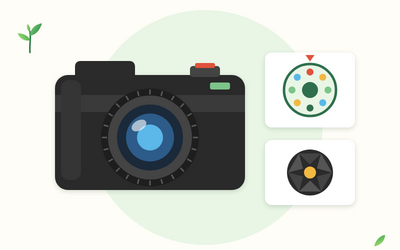
- Exposure basics for food: aperture and depth of field, shutter speed for pours and dusting, ISO and noise, white balance and custom white balance, exposure compensation and phone camera controls.
- Natural window light: side light, backlight and front light, softening direct sun with a diffuser, bouncing and flagging, how window light changes through the day and the British seasons, and a full window set-up.
- Simple artificial light: why the ceiling light and flash let food down, one continuous LED light used like a window, colour temperature in plain terms, avoiding mixed light, and shooting in a cafe.
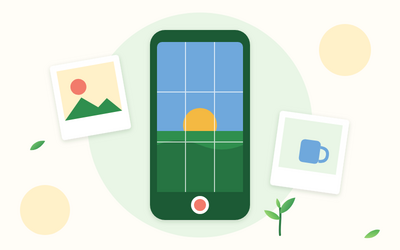
- Angles and composition: overhead, 45 degrees and straight on, the rule of thirds and negative space, leading lines, odd numbers and layers, one clear hero, and cropping for menus, websites and square or vertical social formats.
- Food styling, props and mood: styling the real dish, garnish, crumbs and drips, keeping food looking fresh, stand-ins described in general terms, props, colour and mood, and food safety and allergens in outline.
- Shooting different kinds of food: drinks, baked goods, savoury plates, flat lays and process shots, with hands in the frame and permission for anyone recognisable.
- Editing your food photos: an editing order, crop, straighten and exposure, white balance, contrast and colour, selective edits and tidying, presets in general terms and not over-editing.
- Using your photos: menus, websites, social and the rules: truthful food images under the ASA and the CAP Code, copyright, crediting and licensing in outline, image sizes and file types, file naming and alt text, and a small portfolio.
- Final project: a seasonal menu set for a cafe: a brief, a shot list and lighting plan, styling notes, edit notes and delivery, and a review of a three-image set: a hero shot, an overhead flat lay and a process shot.
Who it's for
Beginners in the UK who photograph food: bloggers and home cooks who want their recipes to look as good as they taste, and cafes, bakers and small food businesses who want better photos for menus, websites and social posts. You need a phone or a camera of any kind, a window, and to know how to take a photo and copy it to a computer or share it. No experience of food photography is needed.
What this course is, and isn't
This course is about photographing real food well and truthfully. It doesn't recommend makes or models of kit, apps or software, and it doesn't cover prices. Food styled for photos is treated as a prop and isn't served or eaten. The rules on food safety, allergens, advertising and copyright are explained in general terms, as read on official UK pages on 3 November 2026; they aren't legal advice, so check the official pages before you rely on them. The course makes no promises about income. Mirjami, Siranush and every other person and business in the course are fictional.